Custom font in Gatsby
June 13, 2020
Adding a Local Font
Prerequisites
- A Gatsby site
- A font file:
.woff2,.ttf, etc.
For better performance, better use Fonts transformer site transform whatever font format to .woff before adding custom fonts into project. For fonts transforming i used https://transfonter.org/
Directions
1. Put custom fonts at correct location
Put transformed fonts into src/fonts/ folder, such as src/fonts/fontname.woff or src/fonts/fontname.woff2.
2. Reference custom fonts in css file
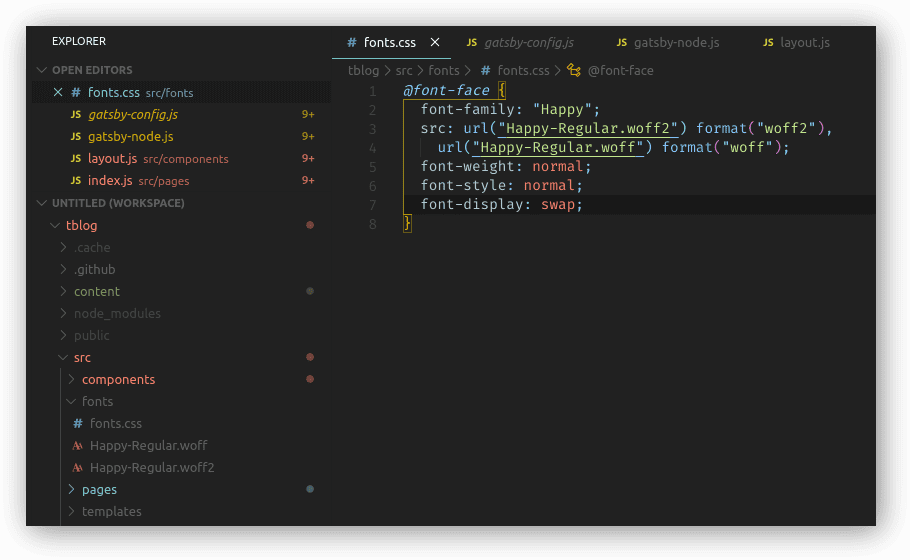
After this create a fonts.css file in src/fonts folder to specifiy references to the fonts you just added to let your app know what font name to reference and when to use it.
Example format for fonts.css:
@font-face {
  font-family: Cascadia Code;
  font-weight: 400;
  font-style: normal;
  src: url("Cascadia-Regular.woff") format("woff"), url("Cascadia-Regular.woff2")
      format("woff2");
}

@font-face {
  font-family: Cascadia Code;
  font-weight: 400;
  font-style: italic;
  src: url("Cascadia-Regular-Italic.woff") format("woff"), url("Cascadia-Regular-Italic.woff2")
      format("woff2");
}

@font-face {
  font-family: Cascadia Code;
  font-weight: 400;
  font-style: bold;
  src: url("Cascadia-Regular-Bold.woff") format("woff"), url("Cascadia-Regular-Bold.woff2")
      format("woff2");
}
Example:
3. Add global reference in gatsby-config.js
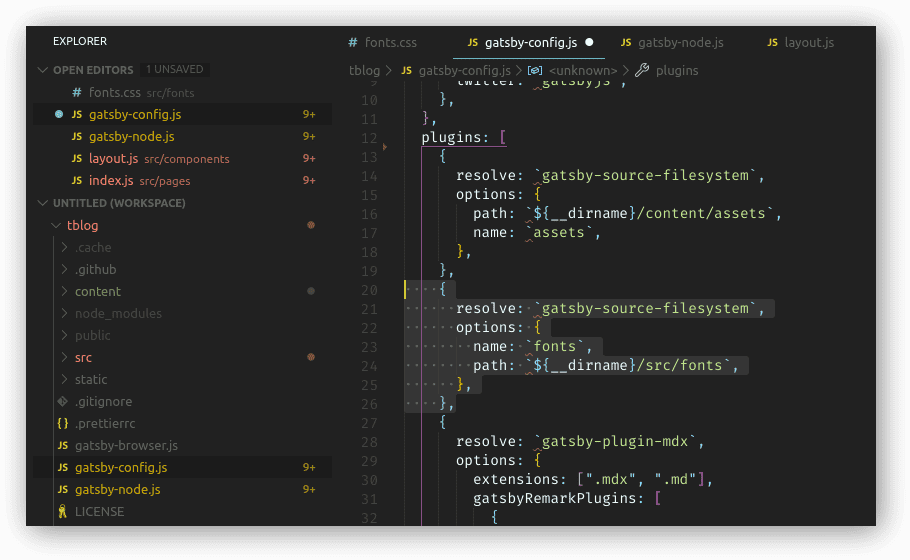
With format like this (gatsby-config.js):
...
plugins: [
  ...
  {
    resolve: `gatsby-source-filesystem`,
    options: {
      name: `fonts`,
      path: `${__dirname}/src/fonts`,
    },
  },
  ...
]
...
Above reference will enable gasby to find your custom fonts when building the app, either gatsby develop or gatsby build will move your custom fonts to public folder. Then your app now able to reference and use your custom fonts.
Example:
4. Use custom fonts in your application
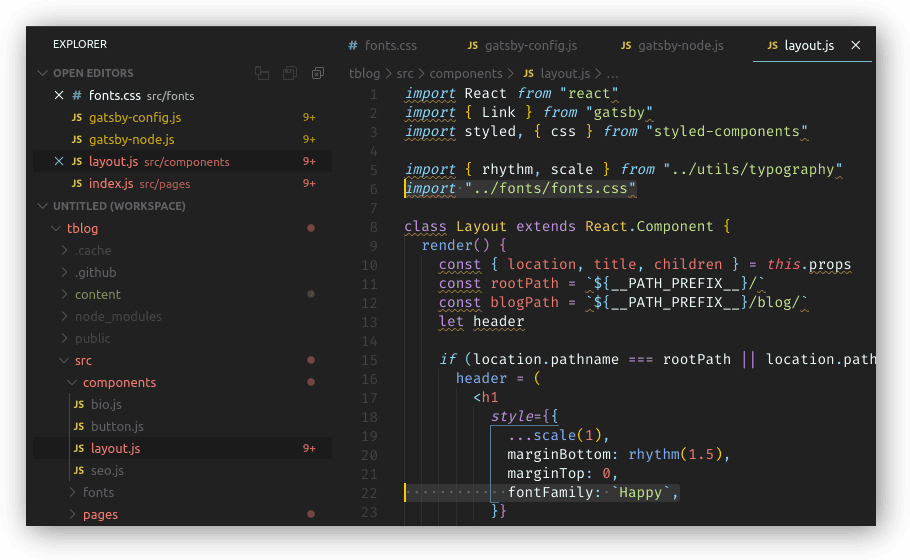
Import fonts.css file:
import "../src/fonts/fonts.css"Use font at relevent location:
src/components/layout.js
h1 {
  font-family: "Font Name", sans-serif;
}
Example:
Before:
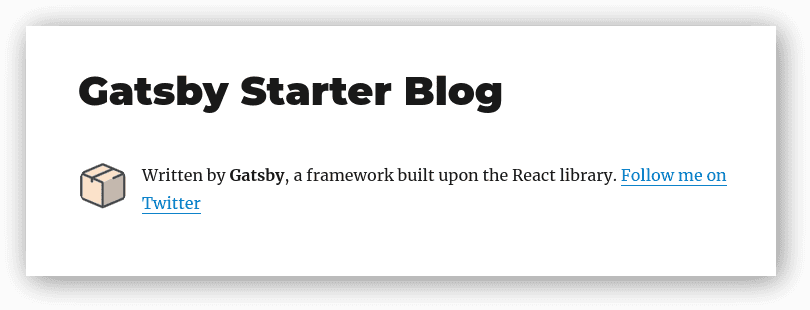
After:
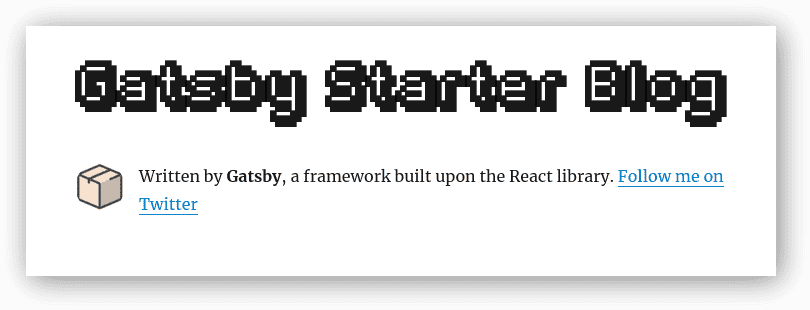
Done! 🎉
Written by nnfewl, a noob. Follow me on Twitter